In-city hourlyFlexible local travel
✓THE NEXT DRIVER CUSTOMER EXPERIENCE
Your car. A trusted driver. Everything connected.
Book a verified Driver Partner for your own car, review the available fare, follow assignment and arrival, and manage the journey from one clear customer experience.
01 Verified profile02 Live updates03 Secure Ride Start OTP

GOOD EVENINGWhere are we driving?
◎PICKUP LOCATIONUse your current location
›Choose a serviceAvailable options
One-way dropPoint-to-point journey
›Airport travelPickup or departure
›YOUR OWN CARProfessional Driver Partner
Continue →Local Driver Partners. Clear booking steps. Support when you need it.
Check your booking options →BUILT AROUND REAL LIFE
Better Driver Partner connectivity, without giving up control.
Next Driver brings discovery, verification, trip coordination and support into one structured flow. You stay in your own car, see the available service information and decide before confirming.
Identity and licence checksFare details before confirmationSupport connected to your booking

THE COMFORT YOU KNOWYour own car.
A more effortless day.
A more effortless day.
POCKET-CONSCIOUS BY DESIGN · Transparent pricing
Choose what fits the journey. Review what it costs.
Hourly driver service, one-way and outstation driver options help you match the booking to the plan. The booking review shows the available fare and applicable details before you confirm.
View available options →BEFORE YOU CONFIRM
Selected serviceShown clearly
Applicable chargesItemised
GST where applicableVisible
Available payable amountReviewed by you
Final pricing and availability depend on service, route, duration, reporting time and trip details.
ONE APP. MANY MOMENTS.
When driving is the last thing you want to manage.
Choose an available service for the day in front of you—without leaving the comfort and familiarity of your own vehicle.
Office commute
Start or finish the workday without taking the wheel.
Airport travel
Plan pickups and drops in the comfort of your own car.
Family & events
Keep the day moving while a professional handles the drive.
Late-night return
Request driving support when you would rather not drive.
Senior & care travel
Make important family journeys easier to coordinate.
Outstation plans
Choose an eligible intercity or outstation service when available.
THE COMPLETE CUSTOMER JOURNEY
Start a booking ↗From first tap to confident arrival.
See what you choose, what Next Driver updates and what stays in your control through every stage.
YOUR DETAILS→TRIP & FARE→DRIVER ASSIGNED→LIVE RIDE→COMPLETE
- 01A clear start
Sign in with your mobile
Verify your number with an OTP, then add your name so the Driver Partner knows whom to meet at pickup.
- 02Your trip, your way
Choose your service
Select the available service that fits your plan: hourly city travel, a one-way drop, an outstation journey or another supported option.
- 03Now or scheduled
Set pickup and time
Choose a precise pickup location, enter trip details and set a reporting date and time. Add a destination when your service needs one.
- 04No guesswork
Review your fare
Check the displayed service fare, applicable charges, taxes and payment choice before you place the request. Availability and final pricing depend on trip details.
- 05One place for updates
Confirm your booking
Submit the request and keep its booking reference. The booking screen shows confirmation and assignment updates as they happen.
- 06Know who’s coming
Meet your assigned partner
Once a Driver Partner is assigned, review their identity and profile, then use the booking screen to coordinate pickup.
- 07Stay in control
Track and start securely
Follow the partner’s live location when available, watch trip status and share the Ride Start OTP only after the partner reaches pickup.
- 08Finish with confidence
Complete and rate your ride
After the trip, review the available final bill and payment details, then leave a rating and optional feedback about your experience.
Your own car, with a verified partner. Assignment depends on eligible Driver Partner availability and supported coverage. Share the Ride Start OTP only after matching the assigned profile at pickup.
YOUR ACTIVE JOURNEY
The right detail at the right moment.
Your booking keeps identity, location, status, route information and support connected in one place.
Live driver location
See updated arrival location when tracking is available on the assigned partner’s device.
Verified profile
Review the assigned Driver Partner before handing over your keys.
Live trip status
Follow the booking from request and assignment through pickup, ride start and completion.
Trip destinations
For eligible trips, keep ordered stops and return details connected to the booking.
Customer support
Open help from your active booking or profile when plans need attention.
Rating and feedback
Review available payment details and rate the completed experience.
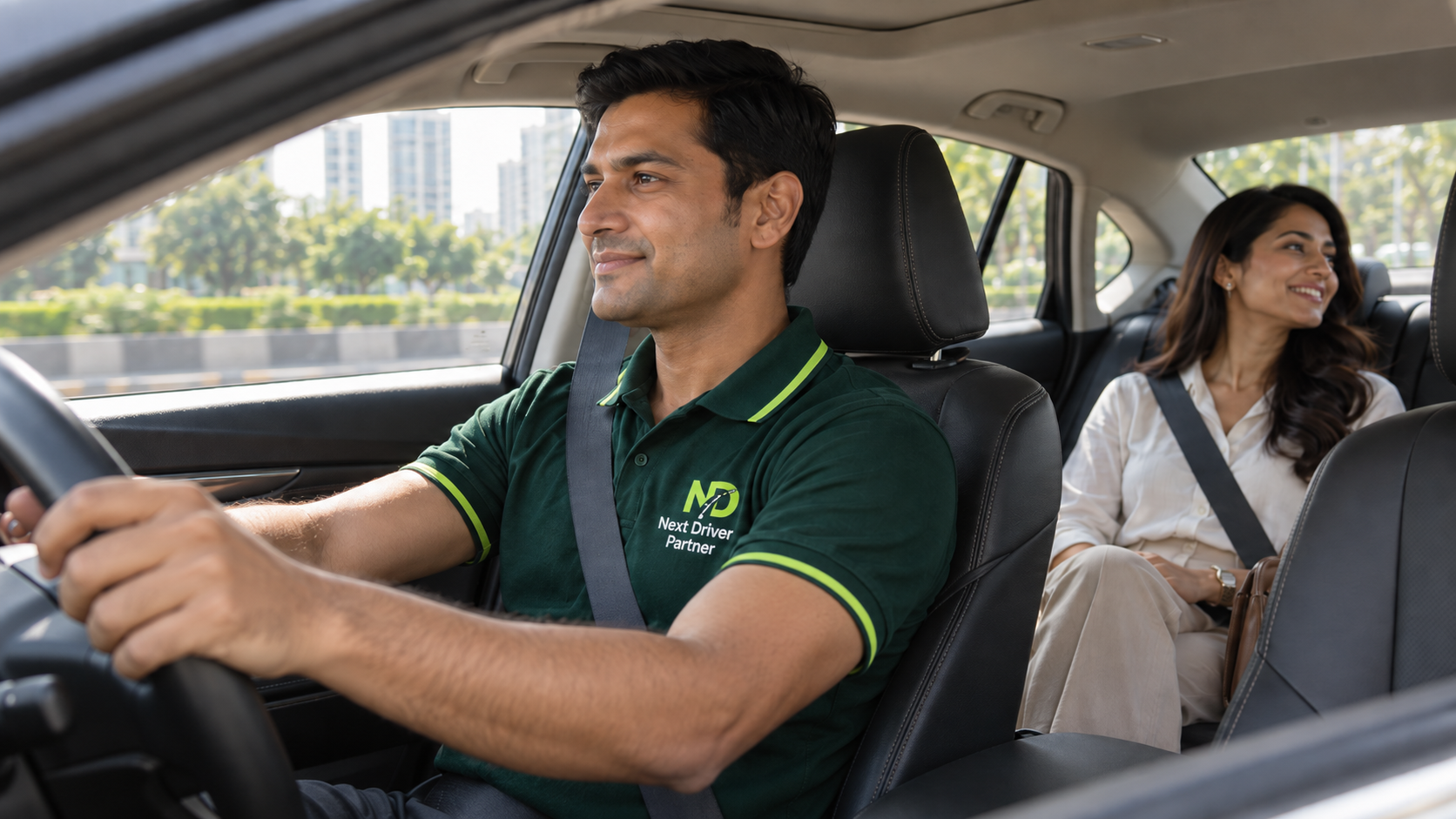
SAFETY THAT STAYS VISIBLE
You should always know who is driving your car.
Review the assigned profile, follow arrival updates and authorise the ride only when you are ready.
- 01Match the assigned profile
Confirm the person arriving is the Driver Partner displayed in your booking.
- 02Hand over keys with confidence
Coordinate pickup through the booking and keep personal information private.
- 03Start with your Ride Start OTP
Share it only at pickup after verification—not through an unrelated call or message.
YOUR NEXT JOURNEY STARTS HERE
More comfort. Less driving stress.
Use the Customer App or secure web booking to request an available Driver Partner across supported Delhi NCR areas.
 Your car. Your time. Your comfort.